The note app for thinking, drafting, and shipping.
A focused editor with a built-in AI assistant. Capture ideas, refine them in place, and export to PDF, Word, Markdown, HTML, or plain text — free, open source, and yours to extend.
No credit card. No trials. Sign in with email or Google.
How it works
From idea to export in three steps.
The same workflow every time — capture freely, refine with AI, ship to any format.
01
Capture
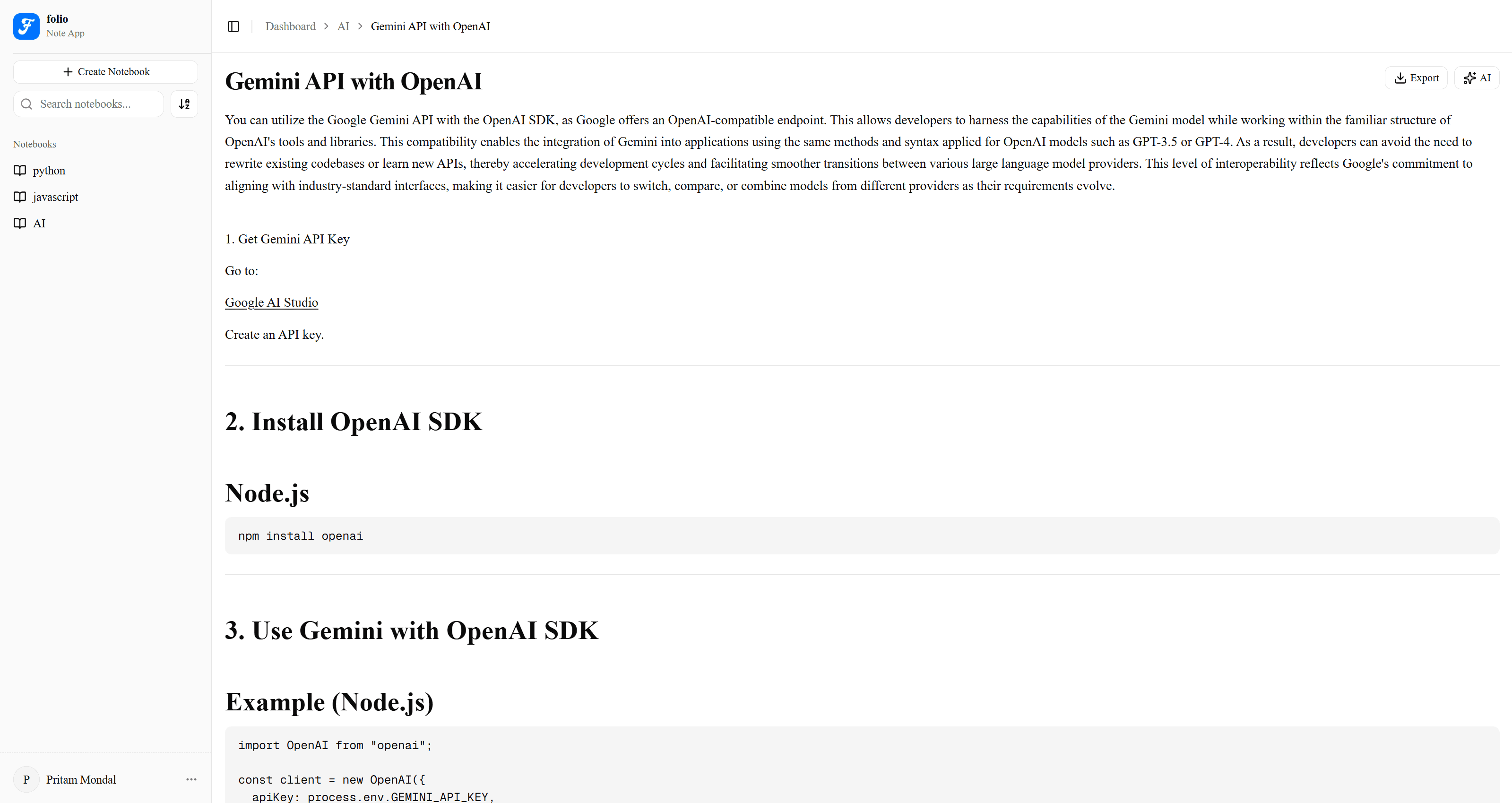
Open a notebook and start writing. Headings, lists, code blocks, links, and the keyboard shortcuts you already know — all work the way you'd expect.
02
Refine
Highlight any passage to fix grammar, sharpen clarity, change tone, or translate. Open the AI sidebar to draft sections — every edit waits for your approval.
03
Export
Ship your note as PDF, Word, Markdown, HTML, or plain text. Formatting and code blocks travel intact, no vendor lock-in.
Everything you need. Nothing you don't.
Six features. Each one earns its place — no bloat, no upsell, no feature you have to pay extra to unlock.
Organised by default
Group notes into notebooks. Search, sort, and jump to anything in seconds.
An assistant, not a chatbot
Folio's AI drafts, rewrites, and extends — every change passes through your review before it lands.
Transforms, in place
Highlight any text to fix typos, sharpen clarity, summarise, shift tone, or translate. No round-trips.
Export to anything
Markdown, HTML, plain text, PDF, or Word — formatting preserved, with zero vendor lock-in.
A dashboard that's actually useful
Notes per notebook, recent writing activity, and your most-used notebook at a glance.
Dark mode done right
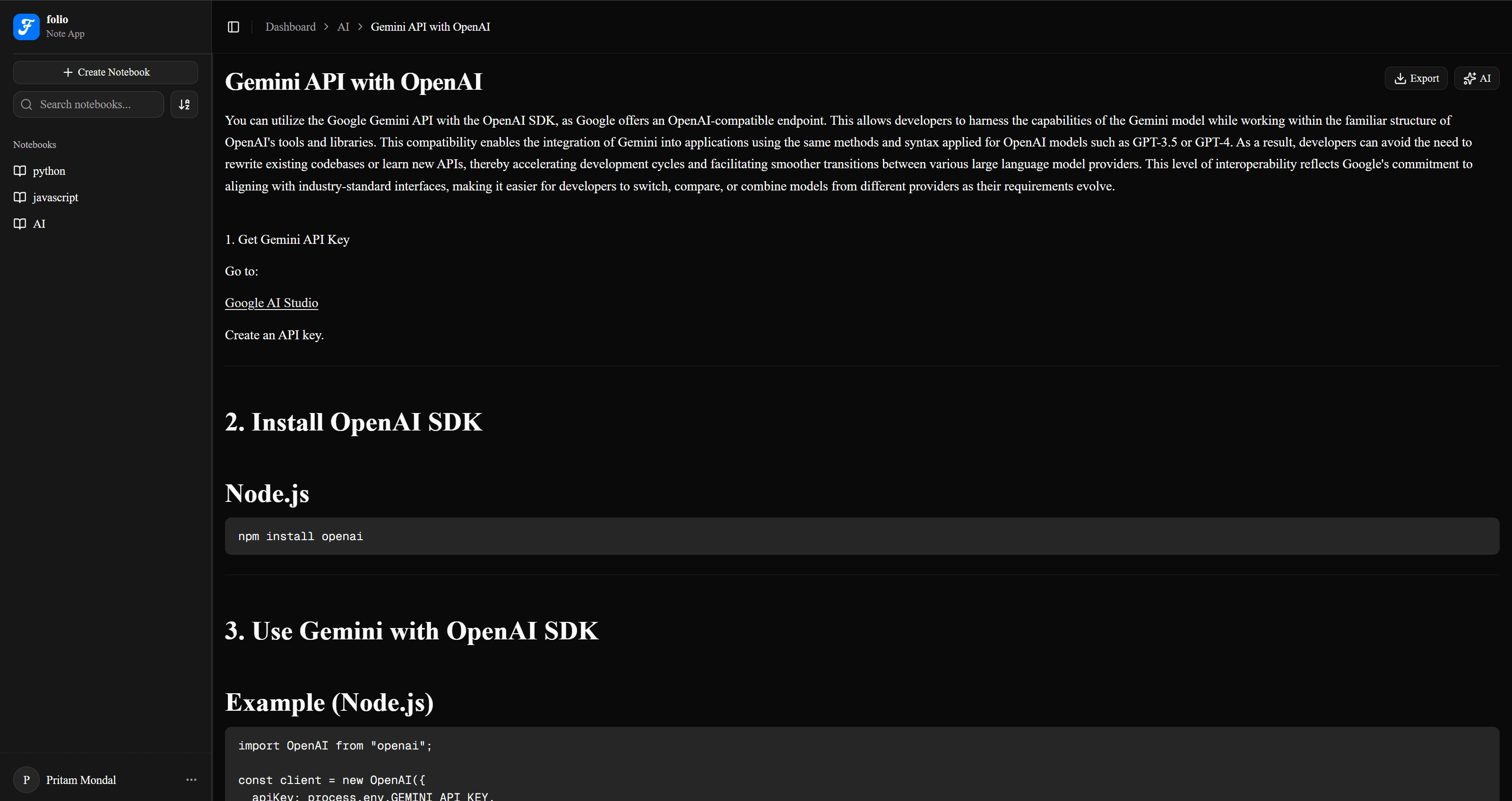
Light or dark, follows your system preference, with no flash on first paint.
Built for
Whoever you write for.
Folio adapts to the work — long-form, study, research, or shipping software.
Writers
Drafting essays, fiction, or long-form articles. Tone and clarity tools help you ship a clean draft, faster.
Students
Class notes, study guides, and summaries. AI summarisation and translation cover the languages your syllabus doesn't.
Researchers
A clean home for source notes and synthesis. Export to PDF or Word when it's time to share with collaborators.
Builders
Spec docs, README drafts, and meeting notes. Self-host on your own Postgres for privacy and full control.
Open source, on purpose
Three things that won't change.
Folio is MIT-licensed and the source lives on GitHub. That's not a marketing line — it has concrete consequences.
No lock-in
Export your notes to any format, any time. If folio disappeared tomorrow, your data wouldn't.
No surprises
Inspect the code that touches your notes. File issues, send PRs, fork freely.
No paywalls
Every feature, every export format, every notebook — included by default, no upsell.
Free. Forever.
No trials. No tiers. No catch. Use the hosted version free, or fork the repo and run it yourself.
- Unlimited notebooks and notes
- Every AI feature included
- Export to PDF, Word, Markdown, HTML, text
- Email + Google sign-in
- MIT licensed, fully self-hostable
Frequently asked questions
How folio works, where your notes live, and what it takes to run it yourself.
Still have questions? Open an issue on GitHub.
Start writing today.
It's free. It's open source. It's already there in your browser.